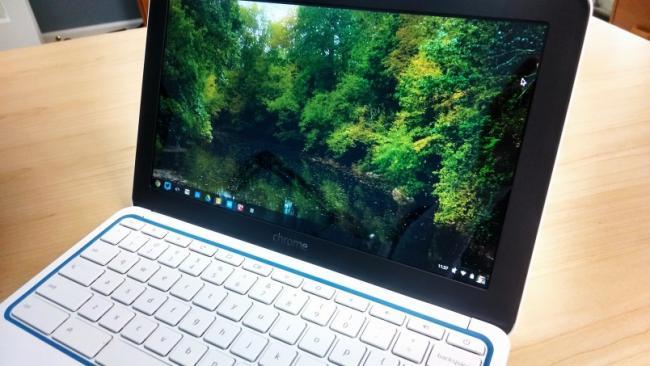
At the first login screen, simply press Alt+Ctrl+Shift+R and tap the Restart button. Doing so brings up the Powerwash prompt, which you can choose to wipe the device clean within a few minutes.
Before finding this key combo, I was in a bit of a panic, thinking I’d have to waste time getting the Chromebook back to my friend to wipe it clean, but now all is right with the world. After a quick factory restore and sign-in with my own account, the Chromebook is as good as new!